

Movie Availability Finder

Find where a movie is streaming, renting, or available to buy

United States (US)

Availability results for “Oppenheimer”

Server-cached lookup
Oppenheimer poster

Oppenheimer (2023)

TMDb rating: 8.0/10

The story of J. Robert Oppenheimer's role in the development of the atomic bomb during World War II.

Rent
Amazon Video Rental price varies
Apple TV Store Rental price varies
Google Play Movies Rental price varies
YouTube Rental price varies
Fandango At Home Rental price varies
Spectrum On Demand Rental price varies
Buy
Amazon Video Purchase price varies
Apple TV Store Purchase price varies
Google Play Movies Purchase price varies
YouTube Purchase price varies
Fandango At Home Purchase price varies

Price note: exact rent/buy prices are not included by this data source. Subscription labels can be edited in the plugin settings.

Oppenheimer After Trinity poster

Oppenheimer After Trinity (2023)

TMDb rating: 7.7/10

This captivating documentary on J. Robert Oppenheimer, the architect of the atomic bomb, explores his journey before the historic test and reveals the burden he carried after. De-classified documents, rare film footage and exclusive…

Subscription
Amazon Prime Video Subscription required
Amazon Prime Video with Ads Subscription required
Rent
Amazon Video Rental price varies
Apple TV Store Rental price varies
Google Play Movies Rental price varies
YouTube Rental price varies
Fandango At Home Rental price varies
Buy
Amazon Video Purchase price varies
Apple TV Store Purchase price varies
Google Play Movies Purchase price varies
YouTube Purchase price varies
Fandango At Home Purchase price varies
Free with ads
Fandango at Home Free Free with ads
Tubi TV Free with ads

Price note: exact rent/buy prices are not included by this data source. Subscription labels can be edited in the plugin settings.

Oppenheimer: The Real Story poster

Oppenheimer: The Real Story (2023)

TMDb rating: 8.1/10

J. Robert Oppenheimer, a physics professor known for creating the atomic bomb during WWII. He witnessed the first atomic bomb detonation in New Mexico in 1945. This film examines Oppenheimer's life, from his early…

Subscription
Amazon Prime Video Subscription required
Amazon Prime Video with Ads Subscription required
Rent
Amazon Video Rental price varies
Apple TV Store Rental price varies
Google Play Movies Rental price varies
YouTube Rental price varies
Fandango At Home Rental price varies
Buy
Amazon Video Purchase price varies
Apple TV Store Purchase price varies
Google Play Movies Purchase price varies
YouTube Purchase price varies
Fandango At Home Purchase price varies
Free with ads
Fandango at Home Free Free with ads
Pluto TV Free with ads
Xumo Play Free with ads
Mometu Free with ads
Tubi TV Free with ads
Free
Hoopla Free to watch
Plex Free to watch
Plex Channel Free to watch
Fawesome Free to watch

Price note: exact rent/buy prices are not included by this data source. Subscription labels can be edited in the plugin settings.

This product uses the TMDb API but is not endorsed or certified by TMDb. Availability can change and should be verified on the provider site before subscribing, renting, or buying.

5 Best Ways to Make Your Wi-fi Home Network Faster
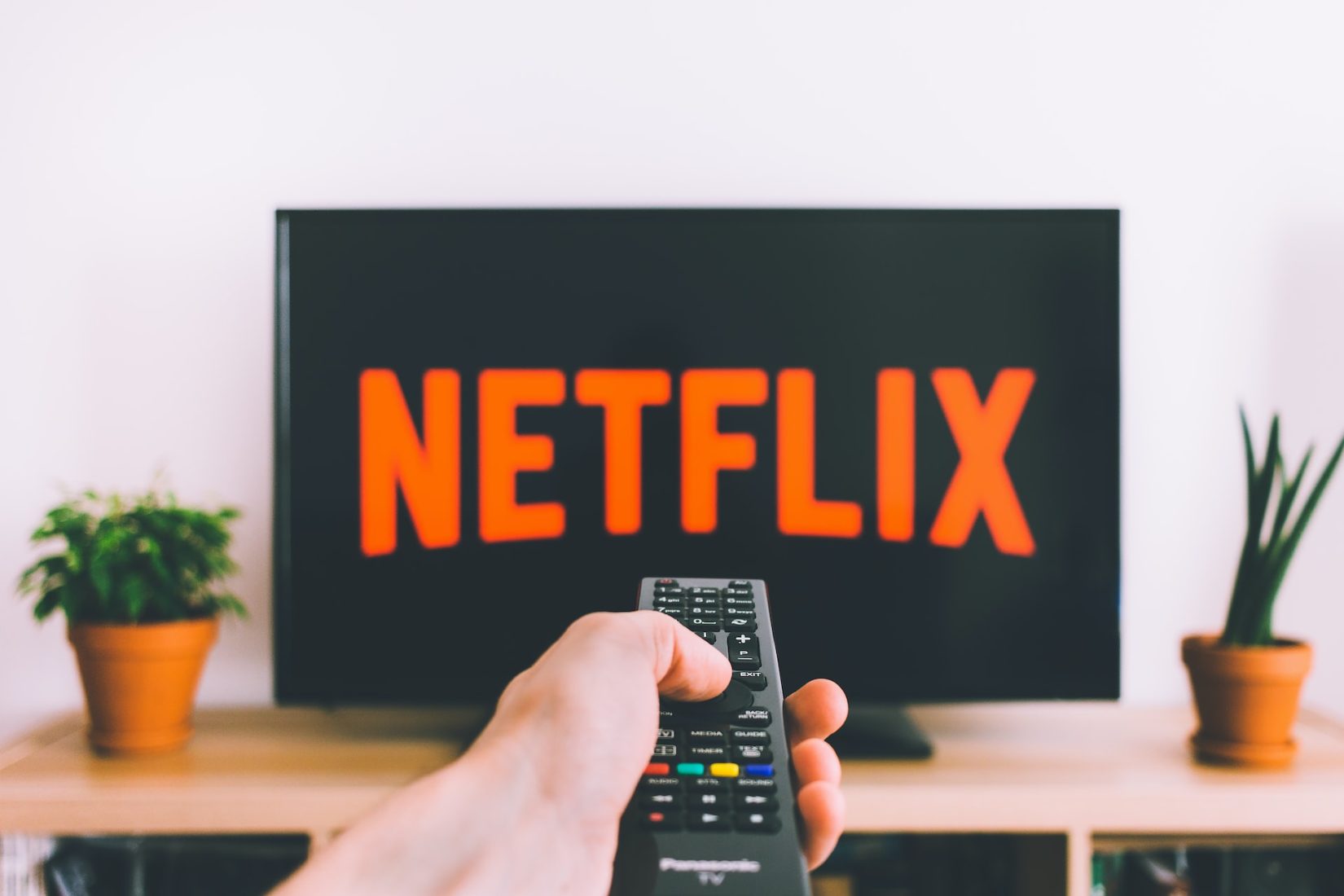
Nobody likes a slow internet connection. Especially when you trying to stream your fav show in full 4k.
streamin netflix
streamin netflix

In today’s world, fast and reliable internet is a necessity for smooth streaming and gaming experiences. Slow Wi-Fi speeds can be frustrating and can disrupt your entertainment time – especially while trying to binge watch Stranger Things in full 4K glory.

To ensure that you get the best WiFi speeds for streaming and gaming, here are five ways you can improve your home network.

1. Upgrade your router (buy new)

Your Wi-Fi router is the most critical device for getting the best internet speed in your home. If you have an old or outdated router, it may be time to upgrade to a newer and more powerful model. The latest routers support advanced technologies like Wi-Fi 6, which offers faster speeds and better coverage. Also, some routers come with multiple antennas, allowing you to adjust and direct the signal in a specific direction.

2. Position your router correctly

The placement of your Wi-Fi router can significantly affect the speed and performance of your internet connection. For optimal Wi-Fi speeds, place your router in an open area and away from obstructions like walls, doors, or large pieces of furniture. Additionally, try to avoid placing your router near other electronics that could interfere with its signal.

3. Use a Wi-Fi extender

If you have a large home, you may notice that your Wi-Fi signal weakens as you move further away from your router. In such cases, a Wi-Fi extender can help extend your Wi-Fi signal to areas where it’s weak or nonexistent. Wi-Fi extenders work by amplifying your existing Wi-Fi signal and rebroadcasting it to reach farther areas.

4. Set up a mesh network

Mesh networks are becoming increasingly popular as a way to improve Wi-Fi coverage and speeds in large homes. A mesh network consists of several routers or nodes that work together to provide seamless coverage throughout your home. Mesh networks are easy to set up and offer better speeds and coverage than traditional Wi-Fi extenders.

5. Optimize your network settings

Finally, you can improve your Wi-Fi speeds by optimizing your network settings. Some of the things you can do include:

  • Changing your Wi-Fi channel: By changing your Wi-Fi channel, you can avoid interference from other Wi-Fi networks in your area, improving your speeds.
  • Updating your router’s firmware: Regular firmware updates can improve your router’s performance, fix bugs, and enhance security.
  • Limiting the number of devices connected to your network: The more devices connected to your network, the slower your Wi-Fi speeds will be. Limit the number of devices connected to your network to ensure the best speeds.

In conclusion

Getting the best Wi-Fi speeds for streaming and gaming requires a combination of the right hardware and proper settings. By upgrading your router, positioning it correctly, using a Wi-Fi extender or mesh network, and optimizing your network settings, you can significantly improve your internet speeds and enjoy seamless streaming and gaming experiences.