


How to Speed up Your Slow Android TV
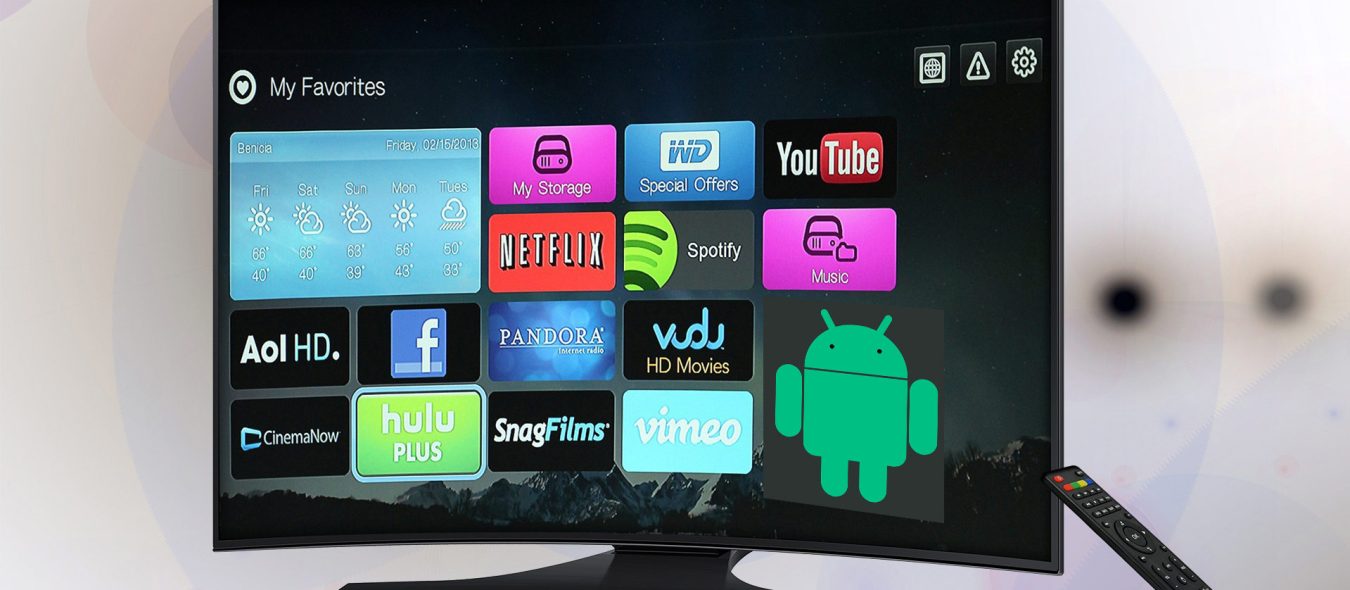
A slow Android TV can be incredibly frustrating, especially if you’re trying to watch a movie or show or play a game. Fortunately, there are several ways you can speed up your Android TV.
Televisions today are more complex than ever before, they are now essentially full fledged computers – just like the average laptop or desktop. And just like your computer, as they age, they will have a harder running newer apps and be bogged down by unnecessary updates and program bloat.
Is there anything that can be done to speed up that older or newer TV?

Check for any new Android operating system updates
First, install an updated version of the Android operating system. The latest version of Android offers improved performance, better security, and more features.
To update the operating system: Open the Settings app and select “About Phone.” Tap “Check for Updates” and follow the on-screen instructions.
Next option, uninstall old apps
Second, consider uninstalling apps that you don’t use. Some apps can slow down your device by taking up too much storage space or using too many resources.
To uninstall an app: Open the Settings app and select “Apps.” Tap the app you want to uninstall and select “Uninstall.”
Next Option, clear tv’s system cache
Third, clear the cache. The cache stores temporary data that can slow down your device if it’s too large. The older your tv is the smaller the onboard cache will be relative to the size of newer apps from YouTube, Netflix, Hulu, etc. Unfortunately there aren’t many ways to increase the size of your internal cache system.
To clear the cache: Open the Settings app and select “Storage.” Tap “Cache” and select “Clear Cache.”
Next Option, disable animations
Fourth, disable animations. Animations take up resources, which can slow down your device. You know those startup mini movies or funky transitions between app changes, they are not necessary and after years of ownership, you probably don’t notice them anymore. Turn them off to free up processor resources.
To disable animations: Open the Settings app and select “Developer Options.” Tap “Window Animation Scale,” “Transition Animation Scale,” and “Animator Duration Scale” and select “Animation Off.”
Last most (drastic) option, install a new rom
Caution: Don’t do this option if your TV is still under manufacturer’s warranty, this will void it. I personally don’t recommend this option, only if your tv is very old and you would be too heart broken, if it gets bricked.
Finally, consider installing a custom ROM. A custom ROM is a modified version of the Android operating system that offers improved performance and features. To install a custom ROM, you’ll need to root your device. Rooting your device can void your warranty and may cause damage, so make sure you understand the risks before proceeding.
That’s all folks
By following these steps, you should be able to speed up your Android TV box and enjoy a better user experience. Good luck!