
Movie Availability Finder

Find where a movie is streaming, renting, or available to buy

United States (US)

Availability results for “Scream”

Server-cached lookup
Scream poster

Scream (1996)

TMDb rating: 7.4/10

A year after the murder of her mother, a teenage girl is terrorized by a masked killer who targets her and her friends by using scary movies as part of a deadly game.

Subscription
fuboTV Subscription required
Paramount Plus Premium Subscription required
Paramount Plus Essential Subscription required
Paramount+ Amazon Channel Subscription required
YouTube TV Subscription required
Rent
Amazon Video Rental price varies
Apple TV Store Rental price varies
Google Play Movies Rental price varies
YouTube Rental price varies
Fandango At Home Rental price varies
JustWatch TV Rental price varies
Spectrum On Demand Rental price varies
Plex Rental price varies
Buy
Amazon Video Purchase price varies
Apple TV Store Purchase price varies
Google Play Movies Purchase price varies
YouTube Purchase price varies
Fandango At Home Purchase price varies
Free
Kanopy Free to watch
Hoopla Free to watch

Price note: exact rent/buy prices are not included by this data source. Subscription labels can be edited in the plugin settings.

Scream, Teen, Scream! poster

Scream, Teen, Scream! (1996)

TMDb rating: 4.0/10

In a plot broadly spoofing teen horror movies, three teenage "girls" have a slumber party on Halloween night. Gay Power-rangers, pizza delivery guys in jocks, and anorexic ghosts put the best laid plans to…

No streaming, rent, or buy providers found for this region. This can mean the film is unavailable, newly added, region-locked, or not tracked by the current data provider.

Red Scream (1994)

New Zealand’s first CGI short film gives “eyes on the road” a new meaning as a pair of eyeballs drive to a mind-bending purgatory. A collaboration between visual effects man John Sheils and his…

No streaming, rent, or buy providers found for this region. This can mean the film is unavailable, newly added, region-locked, or not tracked by the current data provider.

This product uses the TMDb API but is not endorsed or certified by TMDb. Availability can change and should be verified on the provider site before subscribing, renting, or buying.

How to Stop Buffering on Your Amazon Firestick
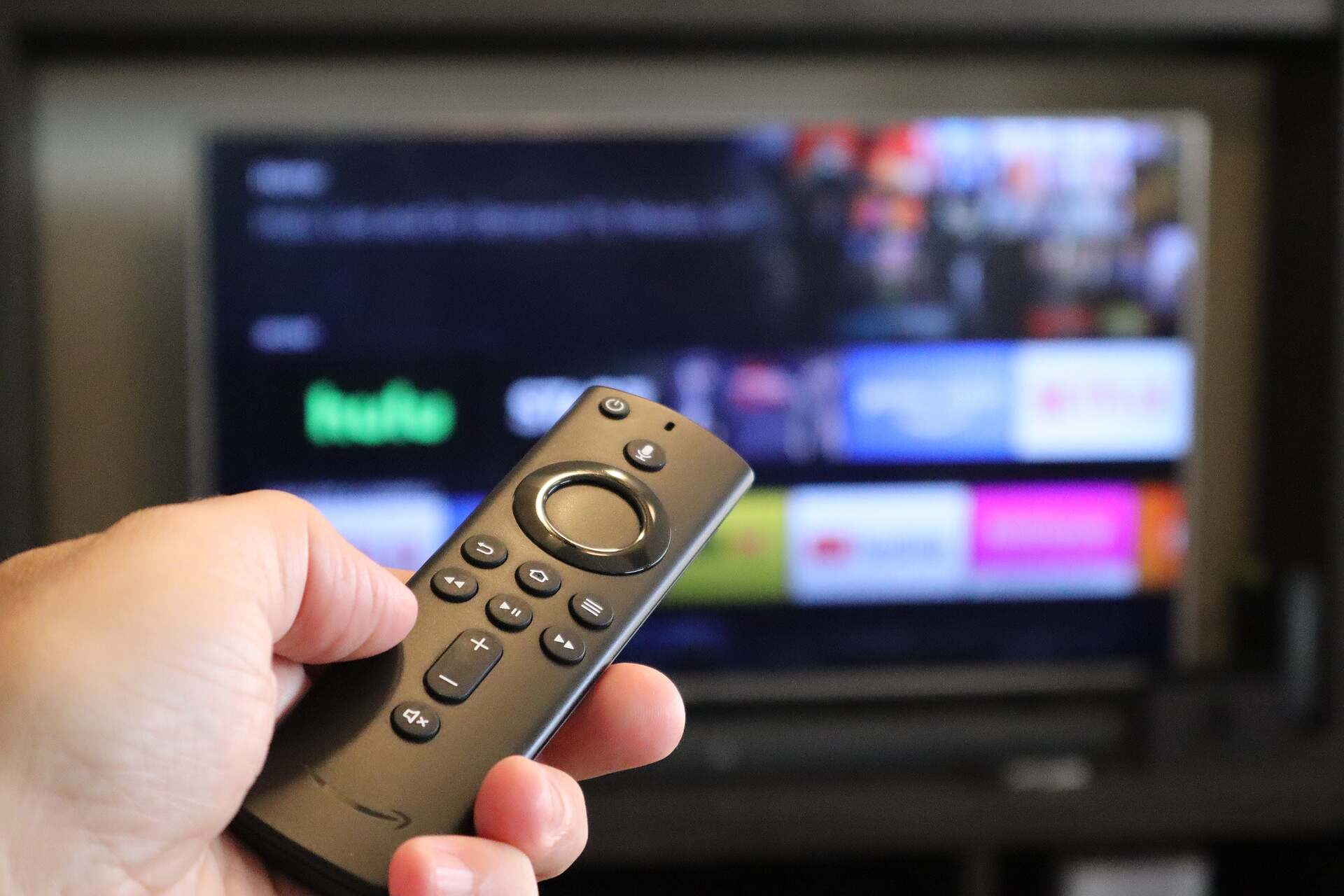
Amazon firestick
Amazon firestick

Is there anything more frustrating than watching your favourite TV Show or movie in 4K, then seeing your TV start to stutter?

If you are streaming that piece of content through a Firestick – then chances are, it’s having issues with the torrent of data. In most instances this stuttering can easily be fixed with a few tweaks here or there.

Just try any of our tried and true anti-buffering methods below:

Step #1 Disable Background Processes and Apps

  1. Manage Background Apps:
    • Install an app like “Background Apps and Process List” from the Amazon App Store.
    • Use it to close any apps running in the background that could be consuming bandwidth or processing power.
  2. Disable Automatic App Updates:
    • Go to “Settings” > “Applications” > “Appstore.”
    • Turn off “Automatic Updates” if your Firestick is struggling with multiple updates running in the background.

Step #2 Use a VPN for Streaming (Optional)

  1. Install a Trusted VPN:
    • Sometimes ISPs throttle streaming speeds. Installing a VPN can help bypass this.
    • Use a reputable VPN like ExpressVPN or NordVPN.
  2. Connect to a Fast Server:
    • Connect to a server close to your geographic location for the best speed.
    • Test different servers to find the fastest one for streaming.

Step #3 Reset Your Firestick (Last Resort)

  1. Factory Reset:
    • If all else fails, consider a factory reset. Go to “Settings” > “My Fire TV” > “Reset to Factory Defaults.”
    • This will erase all data on your Firestick, so only do this as a last resort.
  2. Reinstall Apps:
    • After resetting, reinstall your essential apps and configure your settings again.

Step #4 Upgrade Your Firestick (If Necessary)

  1. Consider Upgrading:
    • If you’re using an older Firestick model, upgrading to the latest version may solve buffering issues as newer models have more powerful processors and better Wi-Fi support.
  2. Choose the Right Model:
    • The Firestick 4K Max is one of the best models in 2024, offering superior performance for streaming without buffering.