

How to Use VLC Player to Stream Security Feeds
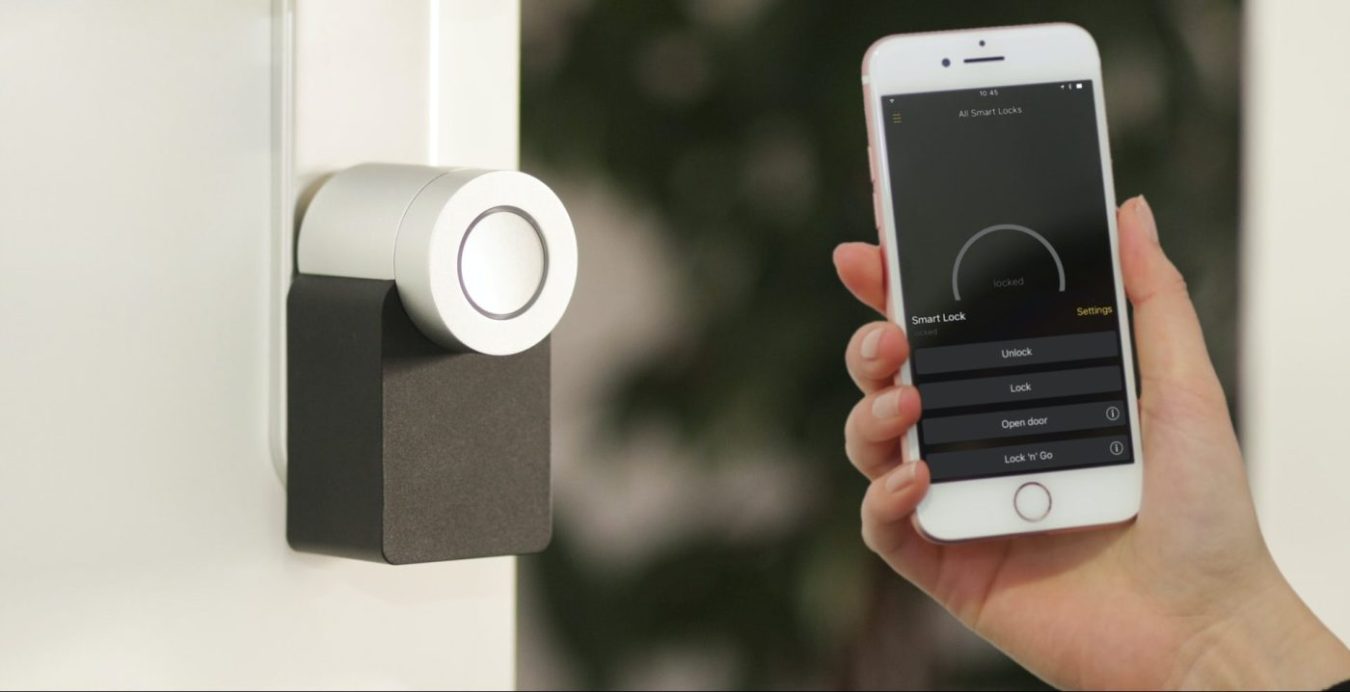
Home security is a really hot topic these days and I’ll bet most people reading this article don’t know how the venerable VLC player can help keep your house more secure for free. The player can help with home security by allowing you to stream your video feeds from a security camera or a cellphone to your television.
If you’re looking for an easy and reliable way to stream your security feeds to your TV or smartphone, the VLC media player is a great choice. VLC is free and open-source software that allows you to stream a variety of video and audio formats. It’s compatible with a wide range of devices and platforms, making it an ideal solution for streaming security footage.
In addition to streaming security feeds, you can also use VLC to stream videos from other sources, such as YouTube or Netflix. You can even access online media streams, such as radio stations and podcasts.
First you need to setup your camera
To get started streaming your security feeds with VLC, you’ll first need to set up your security camera. This should include connecting it to your home network, enabling remote access, and configuring the camera’s settings.
Once your camera is set up, you’ll need to download and install the VLC media player on the device you’ll be using to access the security footage.
Setting up VLC Media Player to stream your security feed
Once VLC is installed, you can open the program and access your security feed by entering the camera’s IP address in the “Open Network Stream” window. VLC will then connect to your camera and stream the footage in real-time. You can also use the program to record footage, take screenshots, and adjust the settings on your security camera.
Overall, the VLC media player is an excellent choice for streaming security feeds to your TV or smartphone. It’s easy to use, reliable, and compatible with a wide range of devices and platforms. With VLC, you can stream your security footage in real-time and access a variety of other media sources.