
Movie Availability Finder

Find where a movie is streaming, renting, or available to buy

United States (US)

Availability results for “Scream”

Server-cached lookup
Scream poster

Scream (1996)

TMDb rating: 7.4/10

A year after the murder of her mother, a teenage girl is terrorized by a masked killer who targets her and her friends by using scary movies as part of a deadly game.

Subscription
fuboTV Subscription required
Paramount Plus Premium Subscription required
Paramount Plus Essential Subscription required
Paramount+ Amazon Channel Subscription required
YouTube TV Subscription required
Rent
Amazon Video Rental price varies
Apple TV Store Rental price varies
Google Play Movies Rental price varies
YouTube Rental price varies
Fandango At Home Rental price varies
JustWatch TV Rental price varies
Spectrum On Demand Rental price varies
Plex Rental price varies
Buy
Amazon Video Purchase price varies
Apple TV Store Purchase price varies
Google Play Movies Purchase price varies
YouTube Purchase price varies
Fandango At Home Purchase price varies
Free
Kanopy Free to watch
Hoopla Free to watch

Price note: exact rent/buy prices are not included by this data source. Subscription labels can be edited in the plugin settings.

Scream, Teen, Scream! poster

Scream, Teen, Scream! (1996)

TMDb rating: 4.0/10

In a plot broadly spoofing teen horror movies, three teenage "girls" have a slumber party on Halloween night. Gay Power-rangers, pizza delivery guys in jocks, and anorexic ghosts put the best laid plans to…

No streaming, rent, or buy providers found for this region. This can mean the film is unavailable, newly added, region-locked, or not tracked by the current data provider.

Red Scream (1994)

New Zealand’s first CGI short film gives “eyes on the road” a new meaning as a pair of eyeballs drive to a mind-bending purgatory. A collaboration between visual effects man John Sheils and his…

No streaming, rent, or buy providers found for this region. This can mean the film is unavailable, newly added, region-locked, or not tracked by the current data provider.

This product uses the TMDb API but is not endorsed or certified by TMDb. Availability can change and should be verified on the provider site before subscribing, renting, or buying.

How to Use VLC Player to Stream Security Feeds
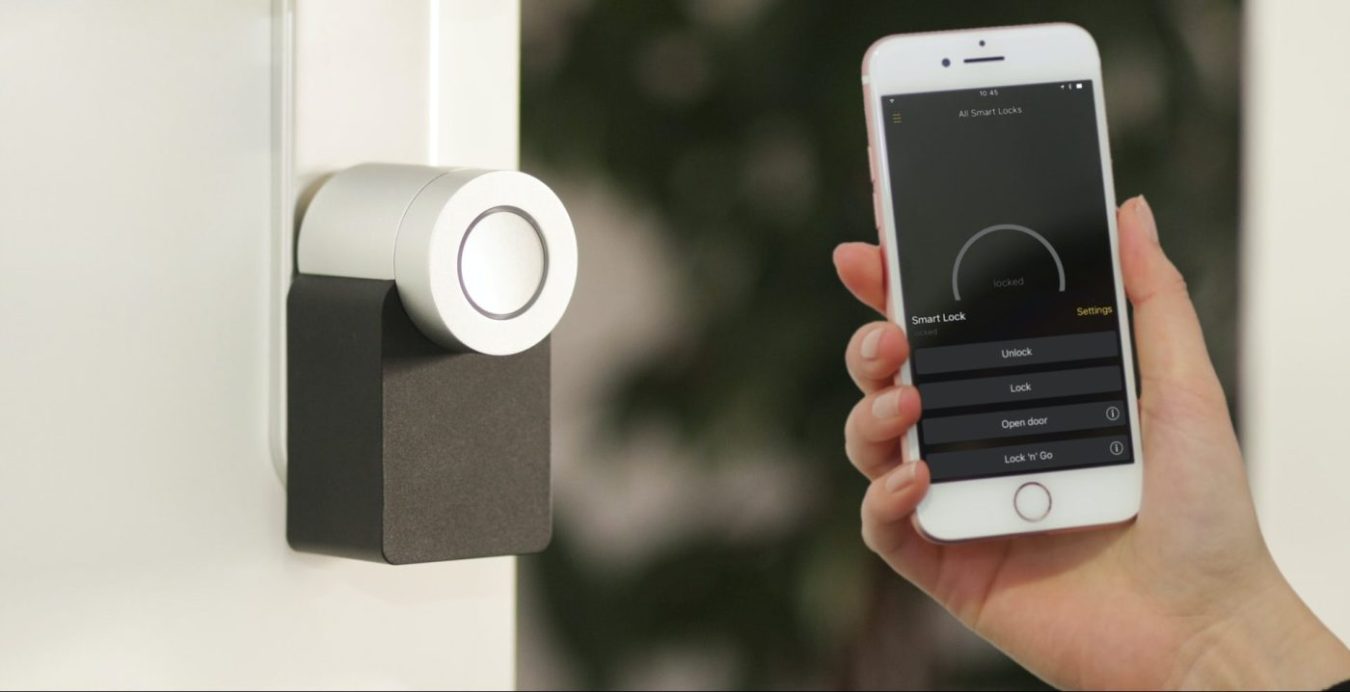
home security

Home security is a really hot topic these days and I’ll bet most people reading this article don’t know how the venerable VLC player can help keep your house more secure for free. The player can help with home security by allowing you to stream your video feeds from a security camera or a cellphone to your television.

If you’re looking for an easy and reliable way to stream your security feeds to your TV or smartphone, the VLC media player is a great choice. VLC is free and open-source software that allows you to stream a variety of video and audio formats. It’s compatible with a wide range of devices and platforms, making it an ideal solution for streaming security footage.

In addition to streaming security feeds, you can also use VLC to stream videos from other sources, such as YouTube or Netflix. You can even access online media streams, such as radio stations and podcasts.
https://vlc.tv/wp-content/uploads/2022/12/home-security-1.jpg
You can recycle an old cellphone and use it as a camera around your house for security then stream the video to vlc in your tv or even to vlc player installed on another smartphone

First you need to setup your camera

To get started streaming your security feeds with VLC, you’ll first need to set up your security camera. This should include connecting it to your home network, enabling remote access, and configuring the camera’s settings.

Once your camera is set up, you’ll need to download and install the VLC media player on the device you’ll be using to access the security footage.

Setting up VLC Media Player to stream your security feed

Once VLC is installed, you can open the program and access your security feed by entering the camera’s IP address in the “Open Network Stream” window. VLC will then connect to your camera and stream the footage in real-time. You can also use the program to record footage, take screenshots, and adjust the settings on your security camera.

Overall, the VLC media player is an excellent choice for streaming security feeds to your TV or smartphone. It’s easy to use, reliable, and compatible with a wide range of devices and platforms. With VLC, you can stream your security footage in real-time and access a variety of other media sources.