
Movie Availability Finder

Find where a movie is streaming, renting, or available to buy

United States (US)

Availability results for “Mamma Mia!”

Server-cached lookup
Mamma Mia! poster

Mamma Mia! (2008)

TMDb rating: 7.0/10

A spirited young bride-to-be living with her single mother on a small Greek island secretly invites three of her mother's ex-boyfriends in hope of finding her biological father to walk her down the aisle.

Subscription
Amazon Prime Video Subscription required
Starz Apple TV Channel Subscription required
Amazon Prime Video with Ads Subscription required
Rent
Amazon Video Rental price varies
Apple TV Store Rental price varies
Google Play Movies Rental price varies
YouTube Rental price varies
Fandango At Home Rental price varies
FlixFling Rental price varies
Buy
Amazon Video Purchase price varies
Apple TV Store Purchase price varies
Google Play Movies Purchase price varies
YouTube Purchase price varies
Fandango At Home Purchase price varies

Price note: exact rent/buy prices are not included by this data source. Subscription labels can be edited in the plugin settings.

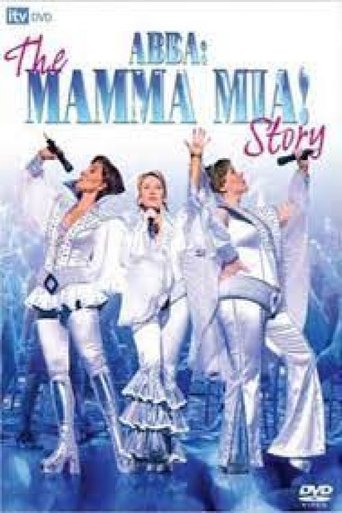
ABBA: The Mamma Mia Story poster

ABBA: The Mamma Mia Story (2008)

A one-off documentary about hit Abba musical Mamma Mia! coinciding with the release of a new movie production and including interviews with the film’s stars Meryl Streep, Pierce Brosnan, Colin Firth and Julie Walters.…

No streaming, rent, or buy providers found for this region. This can mean the film is unavailable, newly added, region-locked, or not tracked by the current data provider.
All About My Mother poster

All About My Mother (1999)

TMDb rating: 7.6/10

Following the tragic death of her teenage son, Manuela travels from Madrid to Barcelona in an attempt to contact the long-estranged father the boy never knew. She reunites with an old friend, an outspoken…

Rent
Amazon Video Rental price varies
Apple TV Store Rental price varies
Google Play Movies Rental price varies
YouTube Rental price varies
Fandango At Home Rental price varies
Spectrum On Demand Rental price varies
Buy
Amazon Video Purchase price varies
Apple TV Store Purchase price varies
Google Play Movies Purchase price varies
YouTube Purchase price varies
Fandango At Home Purchase price varies
Free with ads
Tubi TV Free with ads

Price note: exact rent/buy prices are not included by this data source. Subscription labels can be edited in the plugin settings.

This product uses the TMDb API but is not endorsed or certified by TMDb. Availability can change and should be verified on the provider site before subscribing, renting, or buying.

Streaming Your Video Files from a Local Home Server to VLC Player on Your TV
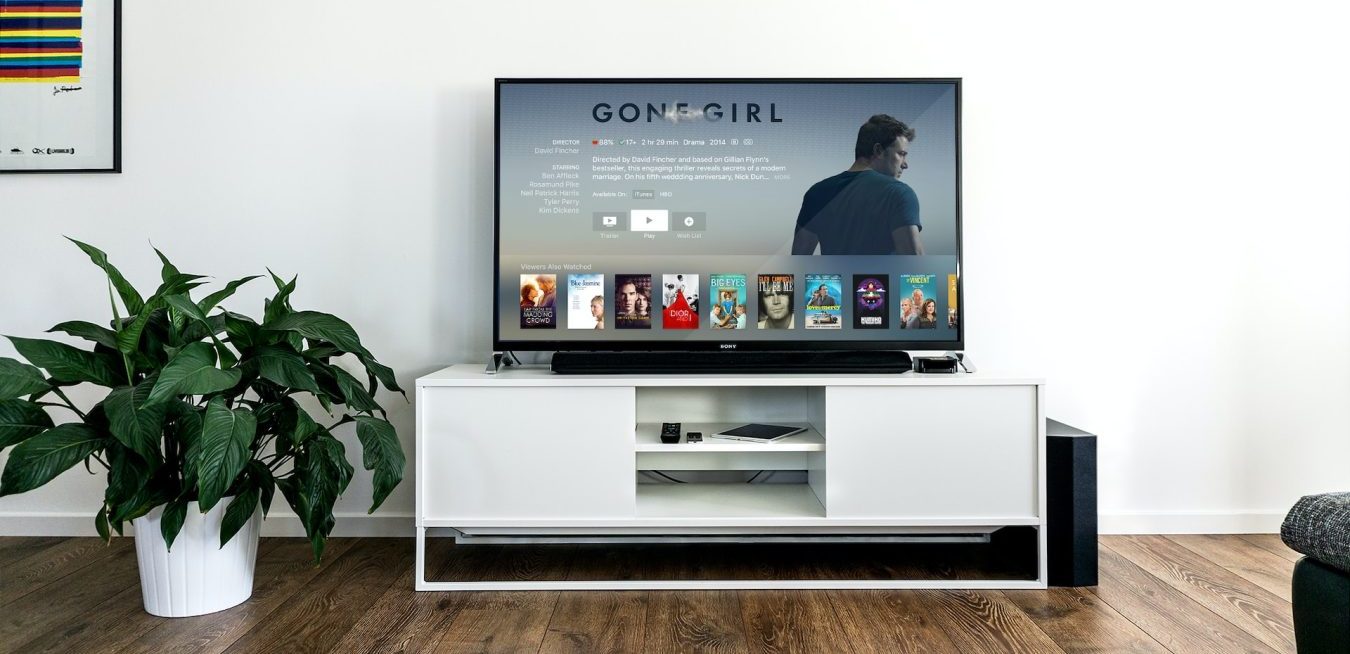
tv-gone-girl

If you’re looking to stream your own video files from a local home server to VLC player on your TV, then you’re in luck. This is a relatively straightforward process and only requires a few steps. Here’s how to get started:

Step 1: Set up Your Home Server

The first step is to set up your home server. Depending on the type of server you have, this can involve a few different steps. First, make sure your server is connected to your home network. If you’re using a Windows-based server, you’ll need to open the Windows Media Player and select “Network Sharing” from the left-hand menu. From there, follow the on-screen instructions to set up your server.

Step 2: Connect Your TV to Your Network

Next, you’ll need to connect your TV to your home network. Most modern TVs have built-in Wi-Fi capabilities, so you should be able to connect your TV to your network without having to run any cables. Once your TV is connected to the network, you’ll need to open the network settings on your TV and find the IP address of your home server.

Step 3: Download VLC Player

The next step is to download VLC Player to your TV. This is a free media player that supports streaming from a local home server, so it’s the best option for this task. Once you’ve downloaded VLC Player to your TV, you can open it and select “Network” from the left-hand menu.

Step 4: Enter Your Home Server’s IP Address

Once you’ve opened VLC Player, you’ll need to enter your home server’s IP address into the “Network” section. Once you’ve entered the IP address, you should be able to select the video files you want to stream.

Step 5: Start Streaming

Finally, you’re ready to start streaming your video files. Once you’ve selected the files you want to stream, you can click the “Play” button and the video should start streaming to your TV.

And that’s it! As you can see, streaming your video files from a local home server to VLC Player on your TV is a relatively straightforward process. With just a few simple steps, you can start streaming your video files in no time.