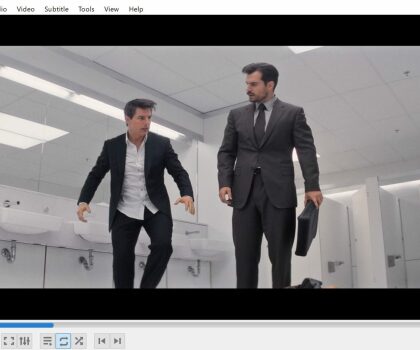



Streaming Your Video Files from a Local Home Server to VLC Player on Your TV
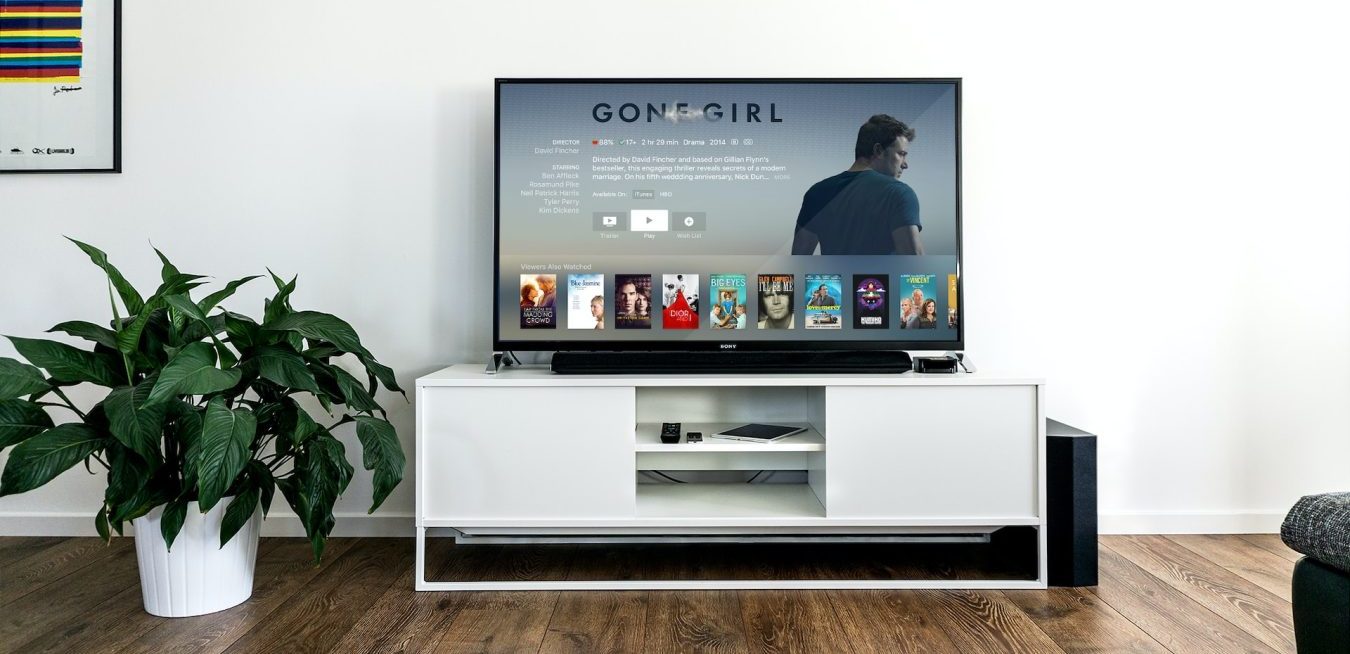
If you’re looking to stream your own video files from a local home server to VLC player on your TV, then you’re in luck. This is a relatively straightforward process and only requires a few steps. Here’s how to get started:
Step 1: Set up Your Home Server
The first step is to set up your home server. Depending on the type of server you have, this can involve a few different steps. First, make sure your server is connected to your home network. If you’re using a Windows-based server, you’ll need to open the Windows Media Player and select “Network Sharing” from the left-hand menu. From there, follow the on-screen instructions to set up your server.
Step 2: Connect Your TV to Your Network
Next, you’ll need to connect your TV to your home network. Most modern TVs have built-in Wi-Fi capabilities, so you should be able to connect your TV to your network without having to run any cables. Once your TV is connected to the network, you’ll need to open the network settings on your TV and find the IP address of your home server.
Step 3: Download VLC Player
The next step is to download VLC Player to your TV. This is a free media player that supports streaming from a local home server, so it’s the best option for this task. Once you’ve downloaded VLC Player to your TV, you can open it and select “Network” from the left-hand menu.
Step 4: Enter Your Home Server’s IP Address
Once you’ve opened VLC Player, you’ll need to enter your home server’s IP address into the “Network” section. Once you’ve entered the IP address, you should be able to select the video files you want to stream.
Step 5: Start Streaming
Finally, you’re ready to start streaming your video files. Once you’ve selected the files you want to stream, you can click the “Play” button and the video should start streaming to your TV.
And that’s it! As you can see, streaming your video files from a local home server to VLC Player on your TV is a relatively straightforward process. With just a few simple steps, you can start streaming your video files in no time.