Movie Availability Finder

Find where a movie is streaming, renting, or available to buy

United States (US)

Availability results for “Scream”

Server-cached lookup
Scream poster

Scream (1996)

TMDb rating: 7.4/10

A year after the murder of her mother, a teenage girl is terrorized by a masked killer who targets her and her friends by using scary movies as part of a deadly game.

Subscription
fuboTV Subscription required
Paramount Plus Premium Subscription required
Paramount Plus Essential Subscription required
Paramount+ Amazon Channel Subscription required
YouTube TV Subscription required
Rent
Amazon Video Rental price varies
Apple TV Store Rental price varies
Google Play Movies Rental price varies
YouTube Rental price varies
Fandango At Home Rental price varies
JustWatch TV Rental price varies
Spectrum On Demand Rental price varies
Plex Rental price varies
Buy
Amazon Video Purchase price varies
Apple TV Store Purchase price varies
Google Play Movies Purchase price varies
YouTube Purchase price varies
Fandango At Home Purchase price varies
Free
Kanopy Free to watch
Hoopla Free to watch

Price note: exact rent/buy prices are not included by this data source. Subscription labels can be edited in the plugin settings.

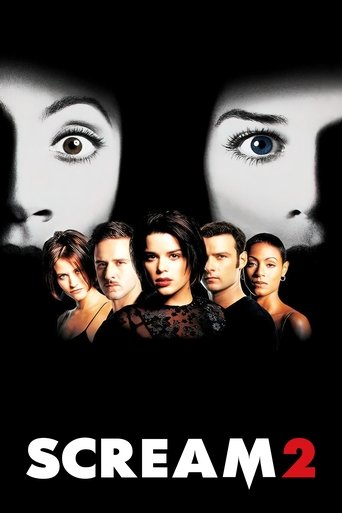
Scream 2 poster

Scream 2 (1997)

TMDb rating: 6.5/10

Two years after the Woodsboro murders, Sidney Prescott acclimates to college life while someone donning the Ghostface costume begins a new string of killings.

Subscription
fuboTV Subscription required
Paramount Plus Premium Subscription required
Paramount Plus Essential Subscription required
Paramount+ Amazon Channel Subscription required
YouTube TV Subscription required
Paramount+ Roku Premium Channel Subscription required
Rent
Amazon Video Rental price varies
Apple TV Store Rental price varies
Google Play Movies Rental price varies
YouTube Rental price varies
Fandango At Home Rental price varies
JustWatch TV Rental price varies
Spectrum On Demand Rental price varies
Plex Rental price varies
Buy
Amazon Video Purchase price varies
Apple TV Store Purchase price varies
Google Play Movies Purchase price varies
YouTube Purchase price varies
Fandango At Home Purchase price varies
Free
Kanopy Free to watch
Hoopla Free to watch

Price note: exact rent/buy prices are not included by this data source. Subscription labels can be edited in the plugin settings.

Scream poster

Scream (1997)

MS-DOS demoscene short film that showcases computer animation and music.

No streaming, rent, or buy providers found for this region. This can mean the film is unavailable, newly added, region-locked, or not tracked by the current data provider.

This product uses the TMDb API but is not endorsed or certified by TMDb. Availability can change and should be verified on the provider site before subscribing, renting, or buying.

Streaming Your Video Files from a Local Home Server to VLC Player on Your TV
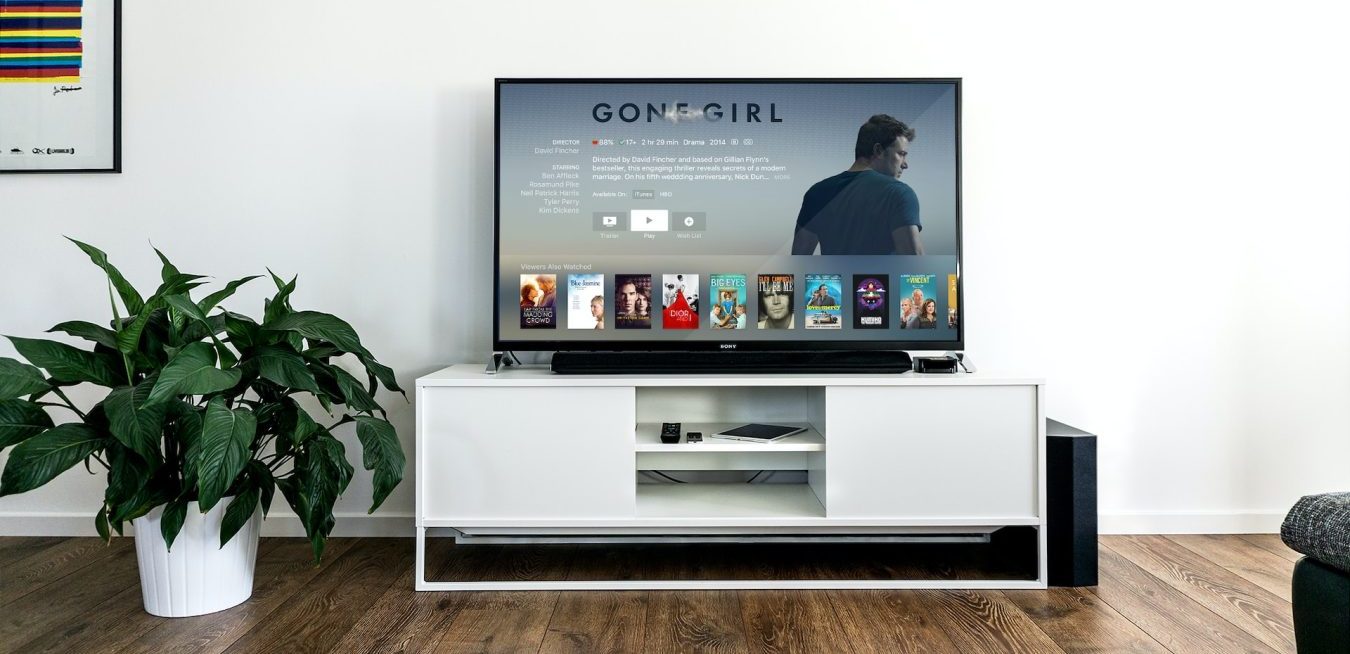
tv-gone-girl

If you’re looking to stream your own video files from a local home server to VLC player on your TV, then you’re in luck. This is a relatively straightforward process and only requires a few steps. Here’s how to get started:

Step 1: Set up Your Home Server

The first step is to set up your home server. Depending on the type of server you have, this can involve a few different steps. First, make sure your server is connected to your home network. If you’re using a Windows-based server, you’ll need to open the Windows Media Player and select “Network Sharing” from the left-hand menu. From there, follow the on-screen instructions to set up your server.

Step 2: Connect Your TV to Your Network

Next, you’ll need to connect your TV to your home network. Most modern TVs have built-in Wi-Fi capabilities, so you should be able to connect your TV to your network without having to run any cables. Once your TV is connected to the network, you’ll need to open the network settings on your TV and find the IP address of your home server.

Step 3: Download VLC Player

The next step is to download VLC Player to your TV. This is a free media player that supports streaming from a local home server, so it’s the best option for this task. Once you’ve downloaded VLC Player to your TV, you can open it and select “Network” from the left-hand menu.

Step 4: Enter Your Home Server’s IP Address

Once you’ve opened VLC Player, you’ll need to enter your home server’s IP address into the “Network” section. Once you’ve entered the IP address, you should be able to select the video files you want to stream.

Step 5: Start Streaming

Finally, you’re ready to start streaming your video files. Once you’ve selected the files you want to stream, you can click the “Play” button and the video should start streaming to your TV.

And that’s it! As you can see, streaming your video files from a local home server to VLC Player on your TV is a relatively straightforward process. With just a few simple steps, you can start streaming your video files in no time.