

Movie Availability Finder

Find where a movie is streaming, renting, or available to buy

United States (US)

Availability results for “Mamma Mia!”

Server-cached lookup
Mamma Mia! poster

Mamma Mia! (2008)

TMDb rating: 7.0/10

A spirited young bride-to-be living with her single mother on a small Greek island secretly invites three of her mother's ex-boyfriends in hope of finding her biological father to walk her down the aisle.

Subscription
Amazon Prime Video Subscription required
Starz Apple TV Channel Subscription required
Amazon Prime Video with Ads Subscription required
Rent
Amazon Video Rental price varies
Apple TV Store Rental price varies
Google Play Movies Rental price varies
YouTube Rental price varies
Fandango At Home Rental price varies
FlixFling Rental price varies
Buy
Amazon Video Purchase price varies
Apple TV Store Purchase price varies
Google Play Movies Purchase price varies
YouTube Purchase price varies
Fandango At Home Purchase price varies

Price note: exact rent/buy prices are not included by this data source. Subscription labels can be edited in the plugin settings.

ABBA: The Mamma Mia Story poster

ABBA: The Mamma Mia Story (2008)

A one-off documentary about hit Abba musical Mamma Mia! coinciding with the release of a new movie production and including interviews with the film’s stars Meryl Streep, Pierce Brosnan, Colin Firth and Julie Walters.…

No streaming, rent, or buy providers found for this region. This can mean the film is unavailable, newly added, region-locked, or not tracked by the current data provider.
All About My Mother poster

All About My Mother (1999)

TMDb rating: 7.6/10

Following the tragic death of her teenage son, Manuela travels from Madrid to Barcelona in an attempt to contact the long-estranged father the boy never knew. She reunites with an old friend, an outspoken…

Rent
Amazon Video Rental price varies
Apple TV Store Rental price varies
Google Play Movies Rental price varies
YouTube Rental price varies
Fandango At Home Rental price varies
Spectrum On Demand Rental price varies
Buy
Amazon Video Purchase price varies
Apple TV Store Purchase price varies
Google Play Movies Purchase price varies
YouTube Purchase price varies
Fandango At Home Purchase price varies
Free with ads
Tubi TV Free with ads

Price note: exact rent/buy prices are not included by this data source. Subscription labels can be edited in the plugin settings.

This product uses the TMDb API but is not endorsed or certified by TMDb. Availability can change and should be verified on the provider site before subscribing, renting, or buying.

Don’t Trash Your Old Phone, Use it as a Security Camera!
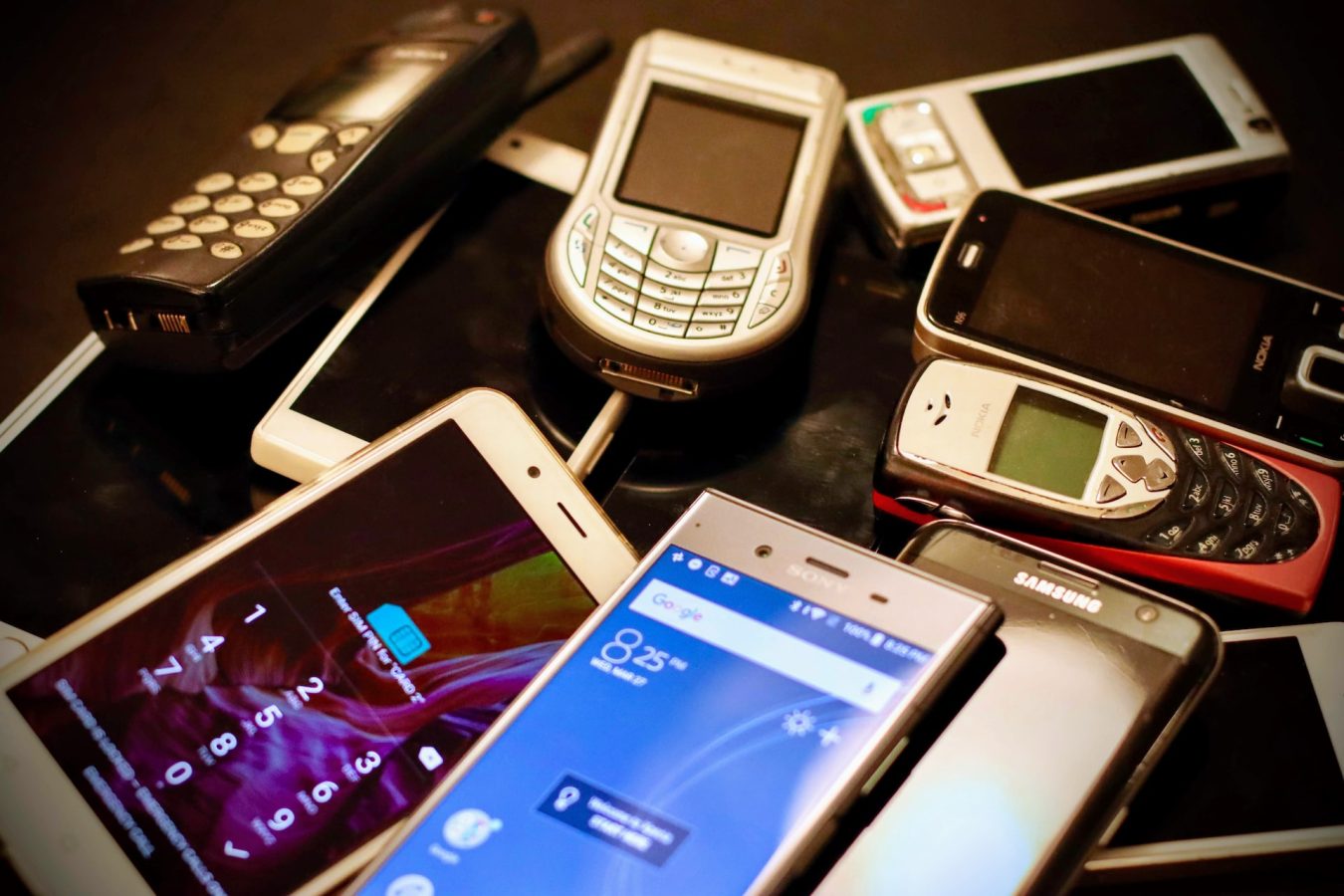
old-phones

So you’ve got some old smartphones laying around in house, in closets, sock drawers, etc., don’t just let them sit there doing noting gathering dust. There are so many uses for old cellphones we’d be here all day just scratching the surface.

Well, for example an older cellphone could be used as fileserver or as a smart assistant for your home – why buy a brand new one from Amazon? But for my money the most intriguing use for a retired smartphone is as a security Camera.

Use an old cellphone as a security camera for free | YouTube

A cellphone as security camera, let’s do it

If you’re looking for a low-cost, DIY way to keep an eye on your home, an old smartphone can be an effective security camera. With just a few minutes of set up, you can turn your old device into a full-fledged security system without spending a dime. Here’s how to do it.

  1. Get the right app.

The first step to turning your old phone into a security camera is downloading the right app. There are several good ones out there, with features like motion detection and cloud storage. Most are free, though some allow for the purchase of in-app add-ons. We recommend Alfred, Presence, or Salient Eye.

  1. Set up the motion detector.

Once you’ve downloaded your chosen app, you’ll need to set up the motion detector. Depending on the app, this may involve inputting your home’s Wi-Fi password, or setting up a specific motion-detection area. The app will then be able to detect movement and alert you of any suspicious activity.

  1. Install the app on your old phone.

The next step is to install the app on your old phone. Make sure you’re using an up-to-date version of the app, as some older versions may be incompatible or have fewer features.

  1. Mount the phone.

Once the app is installed, you’ll need to mount the phone in a secure, central location. If you’re using a tripod or a stand, make sure to secure it firmly. You may want to mount the phone near a window in order to get the best view of the area you want to monitor.

  1. Test the system.

Once you’ve mounted the phone, it’s time to test the system. Start by walking around the area you want to monitor and make sure the motion detector is working correctly. If everything looks good, you’re ready to start using your old phone as a security camera.

Conclusion

Using an old phone as a security camera is a great way to keep an eye on your home without spending a fortune. With the right app and a few minutes of setup, you can have an effective security system up and running in no time.